Stay organized
Record income and expenses with a category, description, and amount. Every entry is dated for you.
PRIVATE DESKTOP FINANCE
A free expense tracker for Windows. Log what you earn and spend, see exactly where your money goes each month, and export it to Excel whenever you want. Everything stays on your laptop.
Heads up on the first run. Ledgerly is not code-signed yet, so Windows may show a blue “Windows protected your PC” screen. Choose More info → Run anyway. You can read every line of the source on GitHub before installing if you would rather check first.
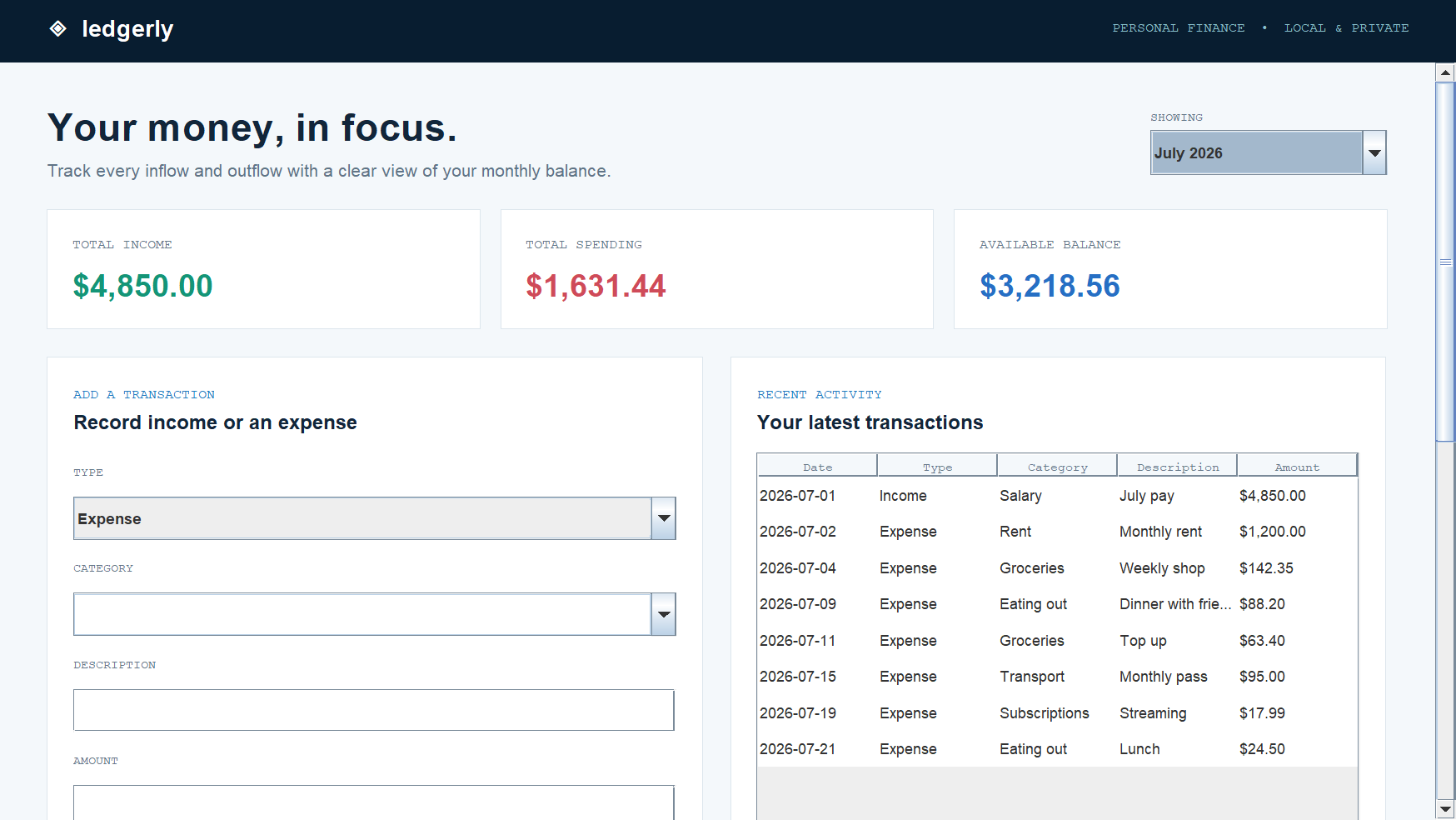
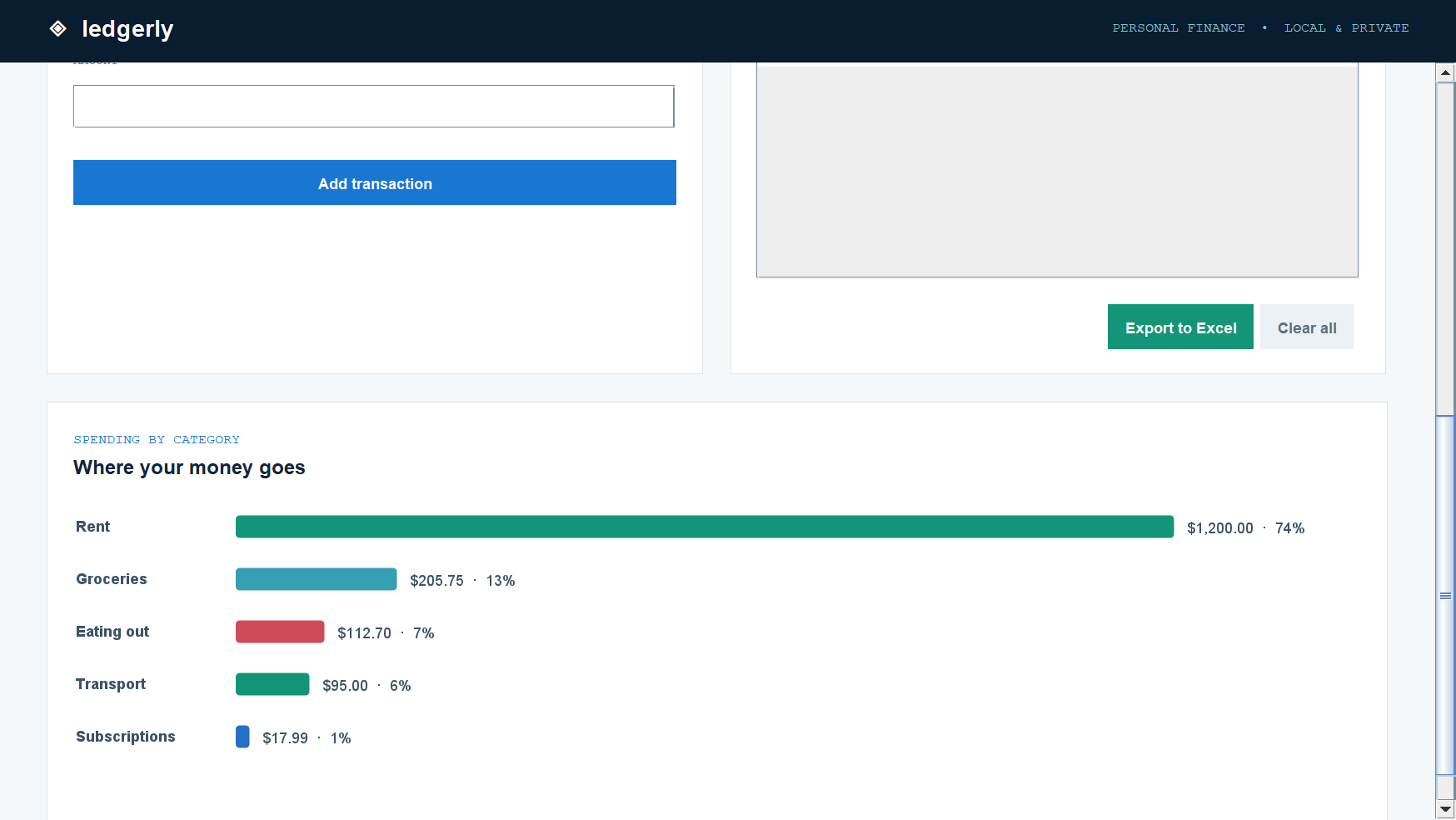
Record income and expenses with a category, description, and amount. Every entry is dated for you.
Switch between months and watch your balance and category breakdown update instantly.
No account, no sync, no servers. Your transactions never leave your computer.
GET STARTED
Nothing to unzip and nothing to configure. The installer bundles its own Java runtime, so it works on a clean machine.